
Split PDF Files and Extract Specific Pages Easily - The Comprehensive Guide
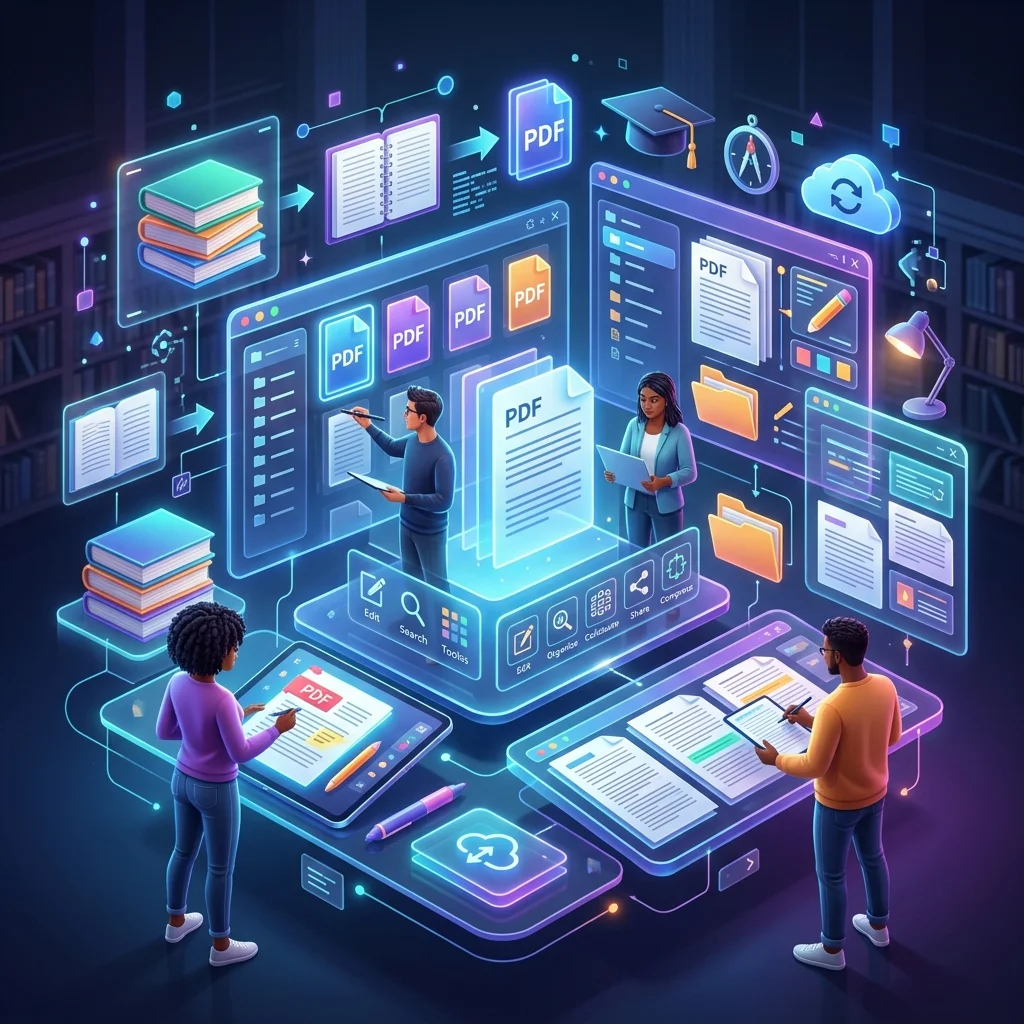
In today's academic and professional life, we rarely need the entire contents of the massive files we handle. For reference books exceeding 500 pages, we might only be interested in a few specific chapters. This highlights the urgent need for the skill of "PDF Splitting" and "Page Extraction." This process is not just a random distribution of data; it is an effective strategy to reduce file sizes, facilitate the review process, and notably bypass the strict limits imposed by university portals (like Blackboard and Canvas) on uploaded file sizes.
The Importance of Splitting PDF Files for Students and Researchers
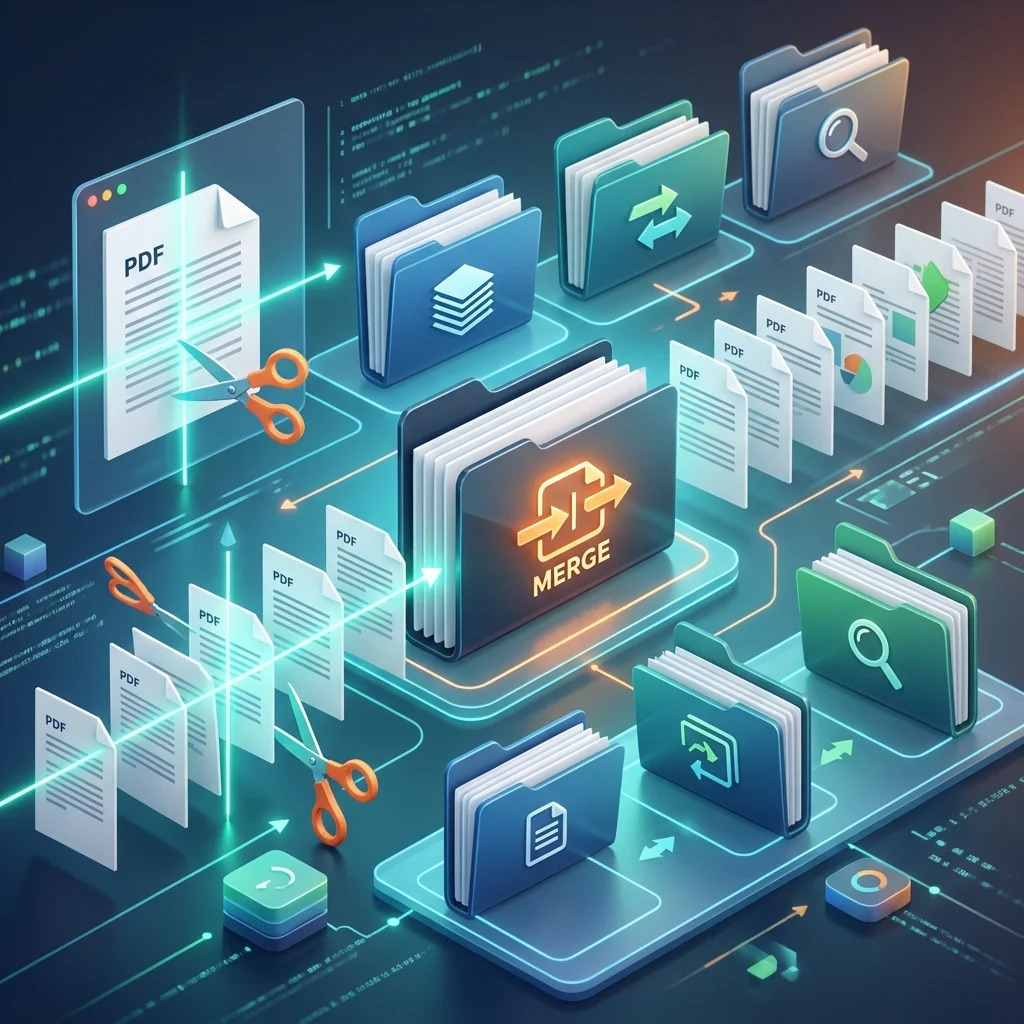
The process of splitting files is a pressing necessity in several common academic scenarios:
- Bypassing Upload Limits: Most educational platforms set maximum limits for a single file size (often between 20 to 50 MB). If your reference book or scanned research exceeds this size, splitting it into parts (e.g., Part One, Part Two) is the only available solution to ensure the assignment is submitted on time.
- Focusing on Specific Content: When working on a graduation project, you might find a massive reference but only one page contains the exact "data" or "table" required. Instead of storing the entire file and exhausting your device's memory, you can extract only this page and keep it as a quick reference.
- Sharing Specific Parts: If you want to share a single "chapter" with your team members, it is logistically impractical to send the whole book; splitting facilitates the sharing process via email or instant messaging apps.
Split PDF files and extract pages for free
Use our free and smart tools to save your time and academic effort.
The Technical Difference Between Splitting and Extraction
Although they seem similar, there is a fundamental difference in purpose and outcome:
- Splitting: Means taking one file and converting it into multiple smaller files (e.g., splitting a 100-page file into 4 files, each 25 pages long).
- Extraction: Means selecting specific, not necessarily consecutive pages (e.g., extracting page 1, page 45, and page 90) and compiling them into a single new file, leaving the original file intact.

Steps to Split Files Professionally Without Losing Quality
To get the best result when splitting your study documents, follow these technical tips:
- Setting Ranges: Before starting, clearly define the page numbers you need. In our tool, you can type "1-10" to split by range, or "1, 5, 10" to extract separate pages.
- Preserving Links and Associations: Powerful processing tools ensure that hyperlinks inside the extracted pages continue to work correctly, which is vital for digital research.
- Processing Accuracy: Ensure the tool you use does not create low-quality clones; the text must remain a "Searchable PDF" just as it was originally.
Privacy and Data Security During Splitting
When uploading and processing files online, security takes top priority. At "Adawati", we implement strict standards:
- End-to-End Encryption (SSL): The file transfer process from your device to the server is encrypted.
- Instant Deletion: As soon as you finish splitting and downloading your new file, the original file and resulting parts are immediately and automatically deleted from our servers.
- "No One Sees" Policy: The process is entirely programmatic, and no human or employee can view the contents of your research or private papers.
Extracting Pages as a Study Organization Strategy
You can use the page extraction tool as a smart studying tool:
- Compiling "The Important": Extract the "Exercises" or "Summaries" pages from every chapter in your book and compile them into one file called "Final Review Summary."
- Isolating Graphs: Extract pages containing "complex charts" so you can intensely review them on your phone at any time.
Conclusion: Simplicity in Document Management
Controlling the size and content of your files is an integral part of the modern student's "Digital Intelligence" skills. Instead of drowning in a sea of unnecessary pages, the PDF splitting tool allows you to focus only on what matters, raising your study efficiency and making it easier for you to share knowledge. We at "Adawati" provide you with this power for free, ensuring your academic journey is smoother and more organized.