
How to Split Massive Research Files and E-Books: The Professional Student and Researcher Guide

In your academic and research journey, you have undoubtedly faced that frustrating moment: a 500-page reference e-book, and you only need to focus on chapters four and five for your current research project. Or perhaps you faced a technical issue uploading your final research to Blackboard or the university platform because the file size exceeded the allowed attachment limit. This is where the importance of PDF Splitting technology shines.
Converting massive files into small, focused, and organized files is not just a passing technical necessity; it is a core part of the "Smart Studying" and digital knowledge management strategy that distinguishes the professional researcher.
📁 Why Do Researchers and Academics Need to Split PDF Files Effectively?
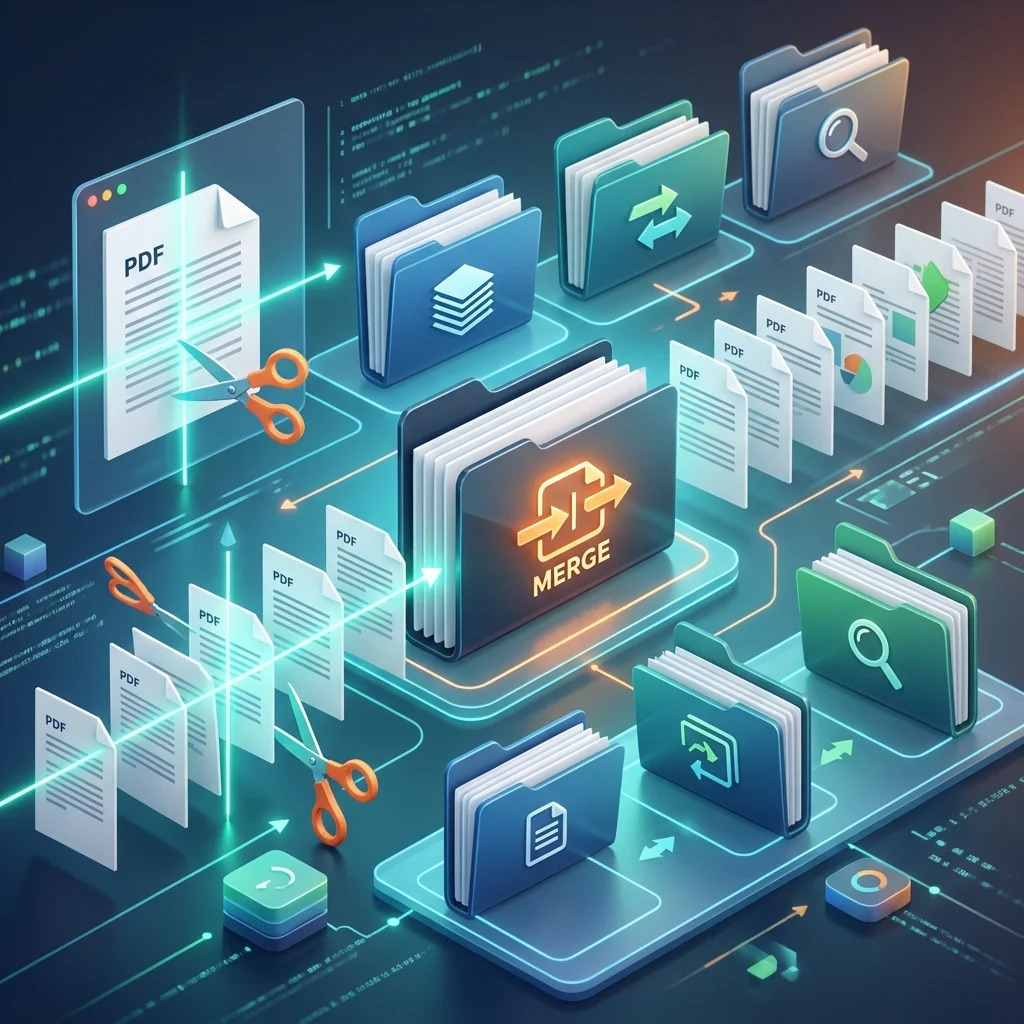
Splitting files saves you a lot of mental and technical hassle in the modern education environment:
- Ease of Organization and Studying: Instead of constantly searching through a full book comprising hundreds of pages, you have a single dedicated file containing only the chapter or section you are currently studying. This reduces "visual distraction" and increases your ability to focus.
- Bypassing University Upload Limits: University platforms like Blackboard and university email impose very strict limits on attachment sizes (often 10-20 MB). Splitting a long file into parts is the optimal solution for this technical hurdle.
- Sharp Academic Focus: Removing unnecessary pages (such as covers of long references, extended indexes, and appendices irrelevant to your research) helps you focus on the core scientific topic you are addressing.
- Ease of Sharing and Collaboration: Sending a "single chapter" to your research colleague is much easier than sending a massive textbook that takes a long time to upload and download.
⚖️ The Dilemma of Size and Speed on Digital Education Platforms in Saudi Arabia and the Gulf
Many of our Saudi and Gulf universities use advanced learning management systems, but these systems can be slow or fail to process when dealing with extremely large files (over 50 MB). Reducing the file size by splitting it ensures you:
- Fast Upload and Download for Classes: Uploading a 2 MB file is much faster than uploading a 100 MB file, especially during peak times right before Deadlines.
- Ease of Browsing for Professors: Graders of research papers always prefer well-focused and divided files; it makes it easier for them to quickly scroll and focus on the content that needs evaluating.
- Full Compatibility with Mobile and Tablets: Researchers and students today rely heavily on iPads, and split files open much faster and smoother on these devices compared to massive files.
Split PDF files for free with one click now
Use our free and smart tools to save your time and academic effort.
📝 How to Split a PDF File Professionally? (Golden Rules)
Here are the academic rules to achieve a successful, high-quality split for your documents:
- Set Page Ranges Accurately: Before starting, verify the required page numbers (e.g., from 50 to 75). Pay attention to the PDF file's numbering versus the printed book's page numbering.
- Clear Naming and Smart Archiving: After splitting, give each part an expressive and professional name (e.g.,
Research_Chapter_One_Intro.pdf). Avoid random names. - Maintain Font Integrity and Quality: Ensure the tool you use does not affect the quality of Arabic fonts or graphs inside the extracted file.
- Check Internal Links: Professional tools maintain functioning hyperlinks and navigation indexes within the split parts.
❓ Frequently Asked Questions About Splitting PDF Files (FAQs)
- Can I select non-consecutive pages to split? Yes, advanced tools allow you to select dispersed pages (like page 5, 15, and 30) and merge them into a single new file.
- Does splitting affect the quality of images in the research? If you use the "Adawati" tool, we guarantee that image quality and colors remain exactly as they are in the original file.
- Can password-protected files be split? You will first need to enter the password to unlock the file, and then you can proceed to split it freely.
📊 Tips for Organizing Your Digital Research Content
Instead of keeping a single massive copy of a reference on your laptop, keep the original reference in an "Archive" folder, and split it into chapters in an "Active Study" folder. This will make your night-before-the-exam review calmer and more focused, as you will find the information you need in a file that is no more than a few focused, specific pages.
🌟 Why is "Adawati" the Optimal Choice for the Arab Researcher?
We at Adawati designed the PDF splitting tool to be intuitive, incredibly fast, and fully support the Arabic language. You can upload any book or research article file, clearly select page ranges, and get your new files in mere seconds. All this is done with the highest standards of security and privacy for your academic files. Don't let file size stand in the way of your success; start organizing your digital library professionally now.