
Merge PDF Files into a Single Document - The Practical Guide for 2026

In today's digital era, the PDF file has become the "official currency" for exchanging academic and professional information. Whether you are a university student working on a massive, multi-section research paper, or an employee needing to compile invoices and records into a single monthly report, the skill of "PDF Merging" is an essential one that saves you hours of formatting and wasted effort. In this article, we will explore the technical benefits, academic uses, and most importantly: how to guarantee your data privacy when using online tools.
Why Do We Need to Merge PDF Files?
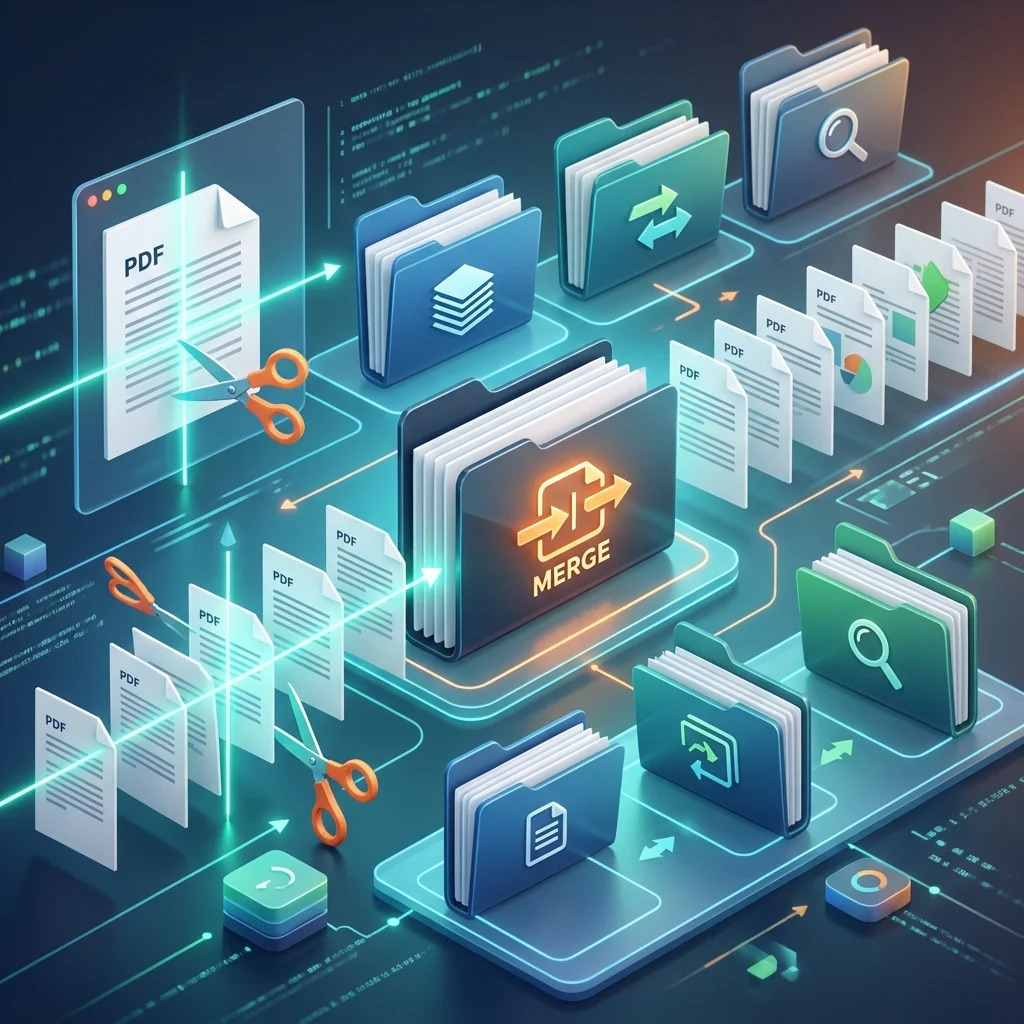
Compiling files is not just about organizing; it is a technical and administrative necessity:
- Ease of Sending and Uploading: Sending one 5MB file via email or "Blackboard" is much easier than sending 10 separate files.
- Professional Presentation: When a professor or a hiring manager receives a single, sequential, and formatted document, it gives a very strong impression of precision and organization, making the review and evaluation process easier.
- Preventing Data Loss: Merging identification papers (ID, educational qualifications, experience certificates) into one file prevents the loss of any document during paper or digital processing at government agencies or universities.
Merge PDF files securely and quickly
Use our free and smart tools to save your time and academic effort.
File Merging Scenarios for Students and Researchers
In the journey of a university student, there are critical moments where PDF merging is the only savior:
1. Course Assignments
Professors often request uploading one "assignment" in PDF format. If you have prepared the introduction in Word, the charts in Excel, and the references in another file, you will need to convert them all to PDF and then merge them into one cohesive file bearing your name and university ID.
2. Master's and PhD Theses
When writing long researches, researchers prefer working on each Chapter in an independent file to avoid making the file heavy and slowing down the computer. Upon completion, all chapters are merged with the index and references to create the "final thesis" ready for printing and defense.
3. Resumes and Portfolios
When applying for a job, it is preferable to merge the CV with the Cover Letter and training course certificates into one file. This ensures that your "profile" will be read exactly as you intended, without the recruiter having to open multiple files.
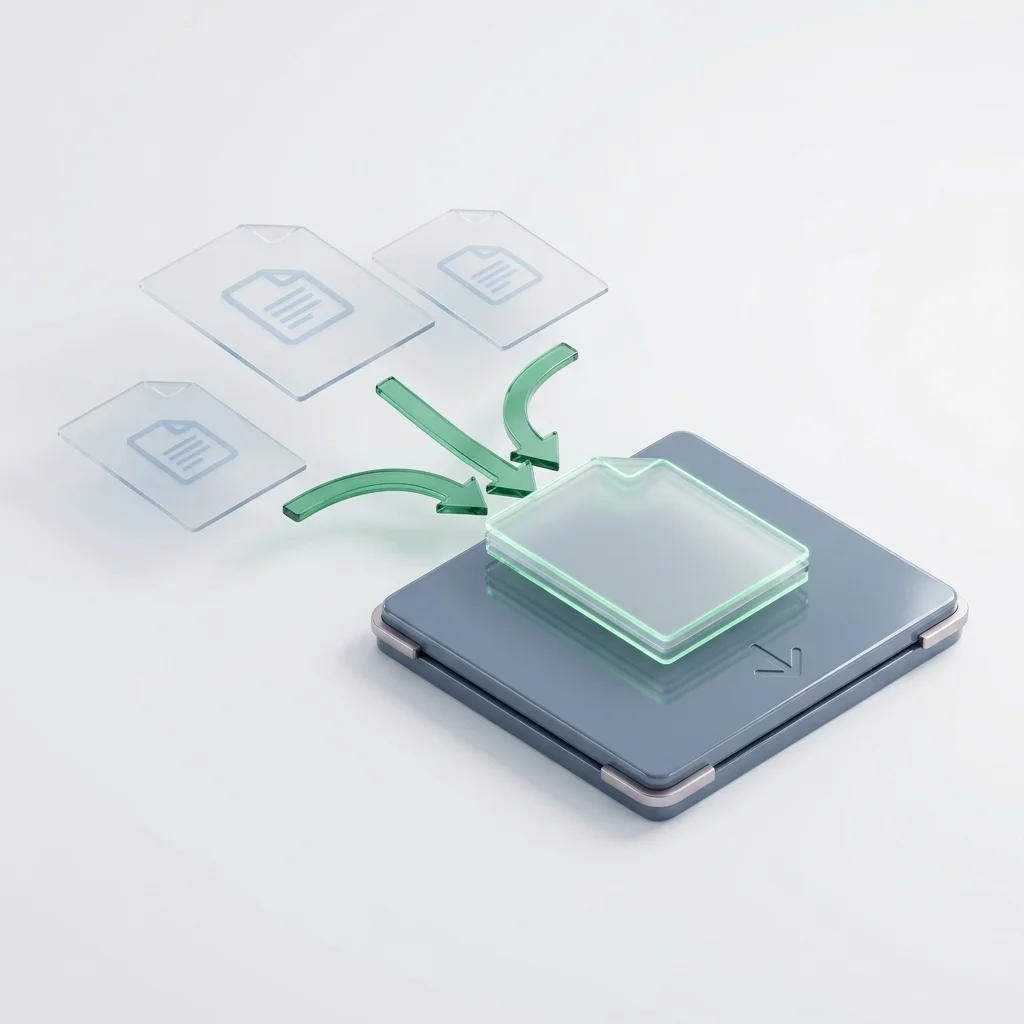
Formatting Accuracy After Merging: Is Quality Affected?
One of the users' biggest fears is the alteration of fonts or images after merging files. Our tool at "Adawati" uses advanced processing engines that guarantee:
- Embedded Fonts: Texts remain sharp, searchable, and readable at their original quality.
- Image Stability: Images are not compressed during merging unless you request it, ensuring charts and diagrams appear at the highest resolution.
- Dimension Matching: Even if the files have different dimensions (e.g., A4 and Letter), the system balances them to appear uniform in the final document.
Security and Privacy: "Zero Logs" Policy
At "Adawati", we know that your documents might contain personal data, academic grades, or confidential invoices. Therefore, we designed our merging system according to the highest global security standards:
- Instant Processing: Your files are merged on the server and the download link is provided to you instantly.
- Automatic Deletion: We do not keep your files after you download them; they are permanently and automatically deleted from our servers the moment you leave the page.
- Data Encryption: Your files are transferred from your device to the server via encrypted SSL protocol to prevent any eavesdropping or data interception.
Tips for Merging PDF Files Professionally
To ensure you get a perfect final file:
- Order Files Before Merging: Ensure you upload the files in the order you want them to appear in the final document (e.g., Cover first, then Contents, then Chapters).
- Check File Names: It is preferable that the original file names are clear (e.g., Section1.pdf, Section2.pdf) to make the drag, drop, and ordering process easier inside the tool.
- Check Final File Size: The merged file might become massive if the original files contain high-resolution images; in this case, you can use our "Compress PDF" tool after the merging process.
Conclusion: Simplicity and Power in One Tool
Merging PDF files is not just a technical function; it is part of organizing your thoughts and presenting your work in the best possible way. We at "Adawati" are committed to providing powerful, fast, and completely free tools that support our Arabic language and understand the needs of the student and employee in our region. Using the PDF merging tool saves you time and effort, ensuring smoothness in managing your digital papers.