
How to Extract Text from Reference Images and Books: The Researcher's Guide to Using OCR
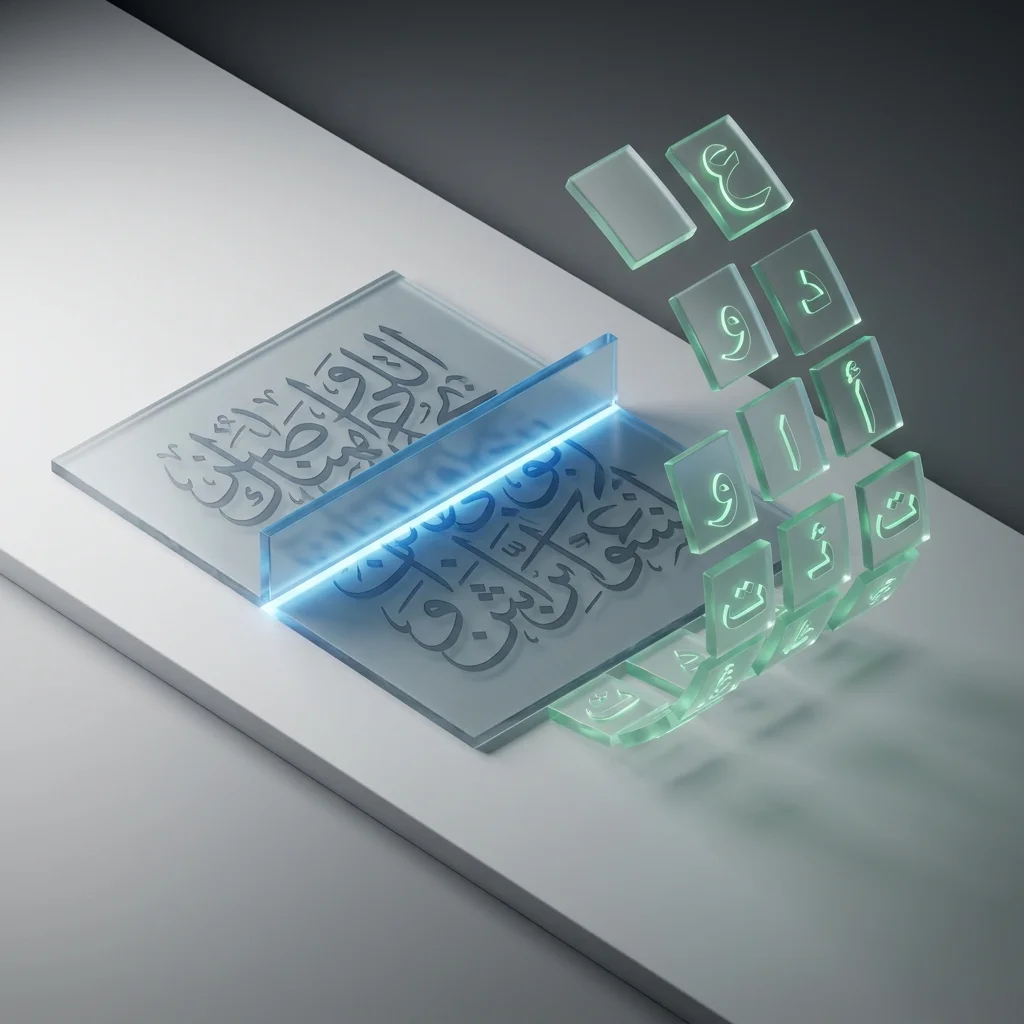
In our daily academic and professional lives, we encounter hundreds, even thousands of images containing vital information; whether it's a photo of a lecture whiteboard filled with notes, a page from an old paper reference in the central library, or even a screenshot from an educational video or online meeting. Converting these images into written text (Text Extraction) is one of the greatest digital productivity skills a modern student or researcher can possess to save thousands of hours of tedious manual labor. OCR (Optical Character Recognition) technology is the key and secret to this astonishing digital transformation.
Instead of wasting hours on nerve-wracking "manual copying," we will teach you how to let technology and AI do the heavy lifting on your behalf in seconds.
🔍 What is OCR and How Does it Provide True Value to Researchers and Students?

OCR stands for Optical Character Recognition. Its primary function is to analyze visual shapes and pixels in an image to recognize letters, numbers, and symbols, and then convert them into Machine-encoded text that popular text editing software like Word, Notion, or even mobile notes can interact with by searching, editing, and copying.
The Added Value for the Distinguished Researcher in the Age of AI:
- Blazing Fast Academic Quoting: Instead of typing a full paragraph that took an hour of manual copying, you can now extract the text in less than 3 seconds for direct use in your thesis or scientific research.
- Organizing Visual Lecture Notes: Did the doctor photograph the board or present dense slides? Convert these images instantly into text notes in your organized apps like Notion or Evernote so you can effectively review them the night before the exam by searching for keywords.
- Breaking the Language and Translation Barrier: Once text is extracted from a foreign reference image, you can instantly translate it via any translation engine, removing linguistic barriers that might hinder your research progress.
- Ease of Archiving and Indexing: Extracted digital texts take up 100 times less storage space than high-resolution images, and they are fully searchable (Ctrl + F) at any time, making it easy to retrieve old information.

🚀 The Challenge of the Arabic Language and Complex Fonts in OCR
The Arabic language, with its distinct nature as a connected (Cursive) script containing dots, diacritics, and multiple shapes for a single letter depending on its position in the word, has always represented the biggest technical and professional challenge for global tech companies. However, thanks to stunning advancements in Cloud Computing, Deep Learning, and AI, modern engines are now capable of:
- Recognizing Printed and Traditional Fonts: With astounding accuracy exceeding 98% for most Arabic books, magazines, and researches laden with diacritics.
- Understanding Arabic Linguistic Context: Precisely distinguishing between similar letters (like ب, ت, ث) based on surrounding words and sentences, not just the isolated letter.
- Handling Mixed Texts: The superior ability to extract texts containing Arabic, English, and numbers in a single line without programmatic overlapping or errors.
Extract texts from your images and academic references now
Use our free and smart tools to save your time and academic effort.
📝 Golden Tips to Ensure the Highest Extraction Accuracy (Pro Tips)
You will never get a poor or garbled result if you follow these simple, practical, educational rules:
- Balanced Lighting and Complete Clarity: Don't settle for dim room light; use strong desk light or soft daylight to ensure extremely high contrast between the text color and the paper background color.
- Flat Camera Angle: Do not photograph the image at a tilted angle; make the mobile lens perfectly parallel to the page surface to avoid distorting words and letters at the edges of the image.
- Using the Auto-Focus Feature: Always ensure the text is not blurred before pressing the capture button. Clear text is "holy text" to an OCR engine.
- Cropping Unnecessary Edges: Eliminate table margins, unnecessary backgrounds, or any distracting elements in the image before uploading to improve the AI processor's performance and extraction speed.
❓ Frequently Asked Questions About OCR Technology (FAQs)
- Can text be extracted from handwriting? The technology is advancing rapidly; clear, organized handwriting can be extracted with good accuracy, but printed texts remain significantly more accurate.
- Does the tool support table extraction? Our advanced OCR tools attempt to preserve text structure as much as possible, but it is always preferable to review the table formatting after conversion to align text and data.
- Is there a limit to the number of images? At Adawati, we believe in full support for students, so we provide a fast, recurring text extraction service to help you finish your massive researches.
📊 Time Efficiency: A Real Comparison
- Manual Typing of One Page: Takes the average student 10 to 15 minutes with a high risk of spelling errors.
- Using Adawati OCR: Takes less than 10 seconds with stunning accuracy, preserving text integrity and hamzas.
🌟 Why Choose "Adawati" to Smartly Extract Your Texts?
At Adawati, we have integrated the most powerful global OCR engines that fully and exceptionally support the Arabic language. Our "Image to Text" tool is designed to be blazing fast, highly accurate in the toughest cases, and completely free to serve our creative, hardworking students and researchers across various fields. Don't waste your mental energy on boring, traditional manual tasks; start digitizing your information today and make your research more professional, intelligent, and rapid.