
Extract Images from PDF Files - A Step-by-Step Guide for Professionals and Students

Have you ever found an amazing graph or a detailed map inside a PDF file, tried taking a "screenshot" to put it in your research or PowerPoint presentation, only to be shocked that the quality was poor or pixelated? This is a very common problem students and researchers face daily. The real solution does not lie in manual screen capturing, but in using "Image Extraction" technology that pulls the original images and raw visual assets from the depths of the PDF file exactly as the original designer or researcher placed them.
Why is a "Screenshot" Not Enough?
When you take a screenshot, you are not taking the original image; you are taking a copy of the "pixels" displayed by your browser or PDF reader. There are three reasons why technical extraction is vastly superior:
- Resolution: A PDF file might contain images at 300 DPI (suitable for printing), while your screen might display them at only 72 DPI. Extraction gives you the original file in its full high-resolution glory.
- Transparency: PNG images inside a PDF may have transparent backgrounds. A screenshot will turn the background white or black, while extraction preserves its transparency, making it easier to integrate into any design.
- Original Colors: A screenshot is affected by your screen's brightness and color settings, while extraction pulls the original color system (CMYK or RGB) as it is.
Extract high-quality images now
Use our free and smart tools to save your time and academic effort.
Vital Use Cases for Image Extraction for Students
In the academic path, images are not just decorations; they are "data" in themselves:
- Graduation Projects and Poster Research: When designing a massive scientific poster, you need high-quality images to look professional; extraction ensures your images won't be "distorted" when enlarged.
- Presentations: Extracted graphs look much clearer and more professional in front of a discussion committee compared to photos taken with a phone camera or quick screenshots.
- Reusing Maps and Blueprints: In majors like Geography, Engineering, and History, we often need to use an accurate "map" or "blueprint" from a reference book; extraction provides you with this file with total clarity.
How Does the Image Extraction Tool Work Technically?
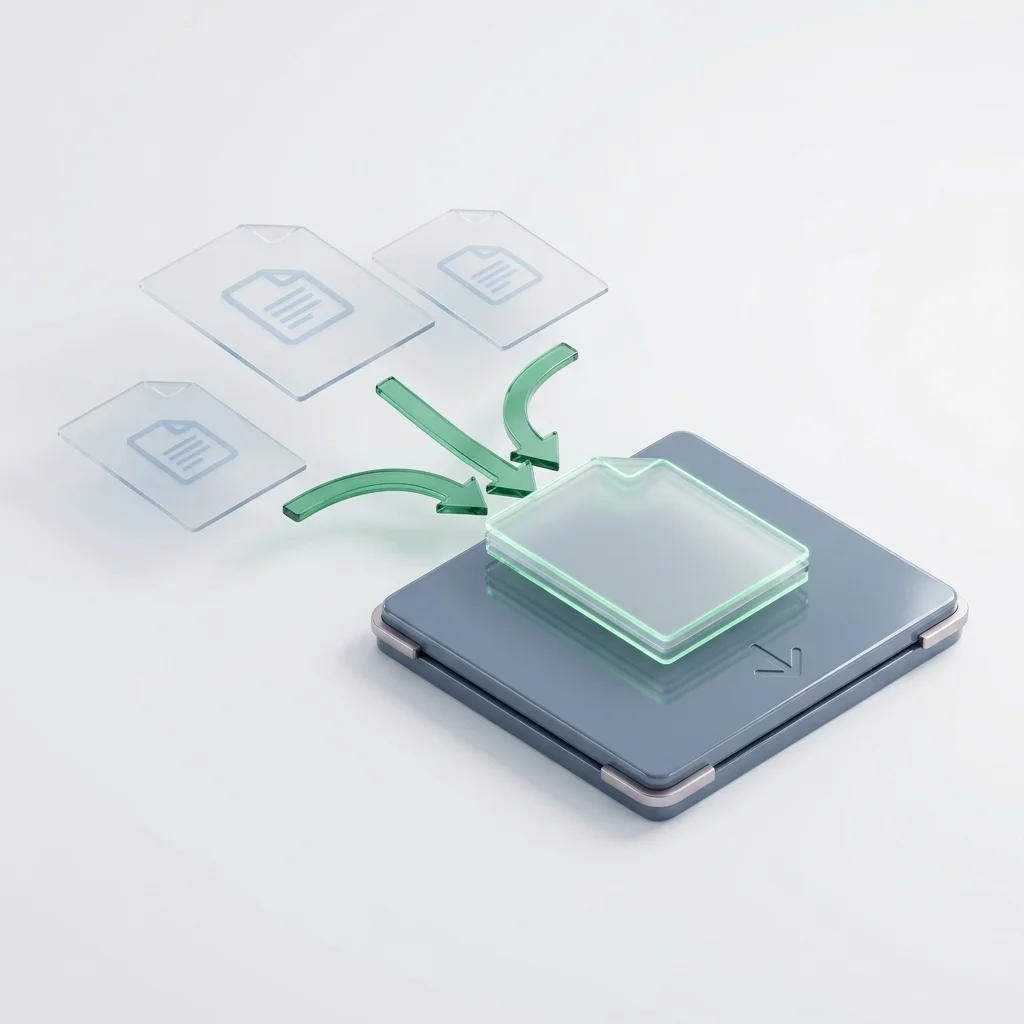
Behind the scenes, our tool at "Adawati" scans the PDF Object Structure. A PDF file is a container holding text objects and image objects. The tool doesn't "crop" parts of the page; it goes directly to the hidden image folder inside the file and pulls it out as it is, in whatever format it was saved (JPEG, PNG, TIF).
This process ensures:
- Lossless Extraction: The image comes out exactly as it was inserted into the original file.
- Extracting all images at once: Instead of pulling images one by one manually, you can pull all the images of a book (e.g., 50 images) in seconds and download them in an organized ZIP file.
A Step-by-Step Guide for the Best Results
To ensure you get exactly the images you want, follow this guide:
- Upload the file: Drag and drop the PDF file containing the images into the designated area.
- Automated Processing: Our smart engine will scan all pages of the file to find any image object.
- Preview and Download: You will see a list of all found images; you can download a specific image only or download "All" in a ZIP file.
- Inspection and Verification: Open the extracted images and check their resolution; you will find they vastly outperform any previous manual method.
Privacy: Your Security First
We at "Adawati" realize that your PDF files might contain unpublished research or private images. Therefore, we commit to a strict privacy policy:
- Path Encryption: Your files are transferred via a 100% secure protocol.
- Automatic Deletion: Your files are permanently and immediately erased from our servers once the extraction process is complete, leaving no trace behind.
- Anonymous Processing: We do not request login or personal information to use the tool, ensuring your identity and privacy.
Conclusion: Liberate Your Visual Assets Smartly
The ability to extract the "raw material" from PDF files is a technical skill that elevates the quality of your academic and professional work. Do not settle for poor image quality in your presentations; use technology to serve your goals and get the best possible results. We at "Adawati" harness the most powerful software engines to make them available at your fingertips for free and with absolute ease.