
The AI Audio Lecture Transcription Guide: How to Save Hundreds of Academic Hours
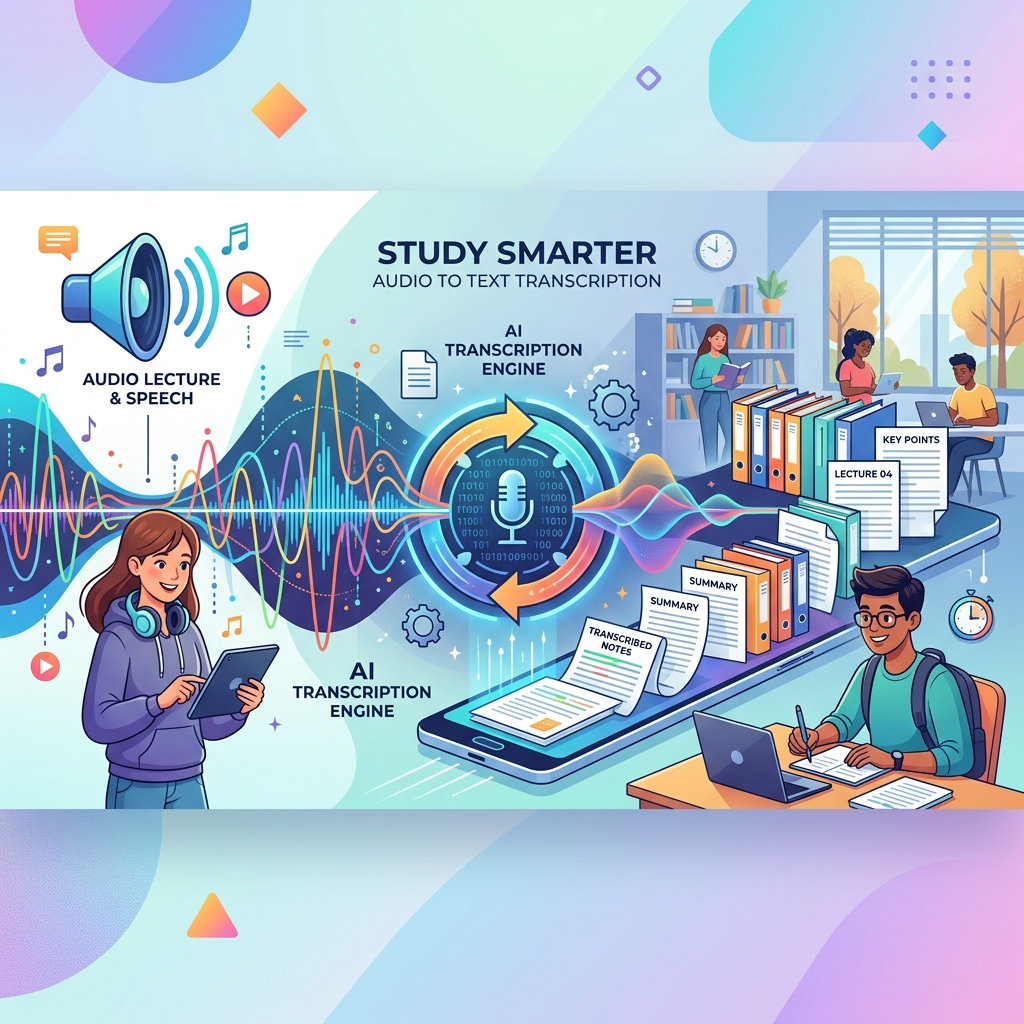
University lectures are the primary source of knowledge in a student's journey, but the biggest challenge always lies in how to take notes fast enough to keep up with the professor's speech. Many students find themselves torn between writing and listening, leading to the loss of core points that could be crucial for final exams. Here comes the true revolution that changed the rules of the game: AI Audio-to-Text Transcription.
In this strategic guide, we will review how you can convert your audio recordings into highly accurate written texts, and how to leverage this technology to elevate your academic productivity in Saudi and Gulf universities.
🎙️ The Dilemma of Manual Notetaking vs. Digital AI Transcription
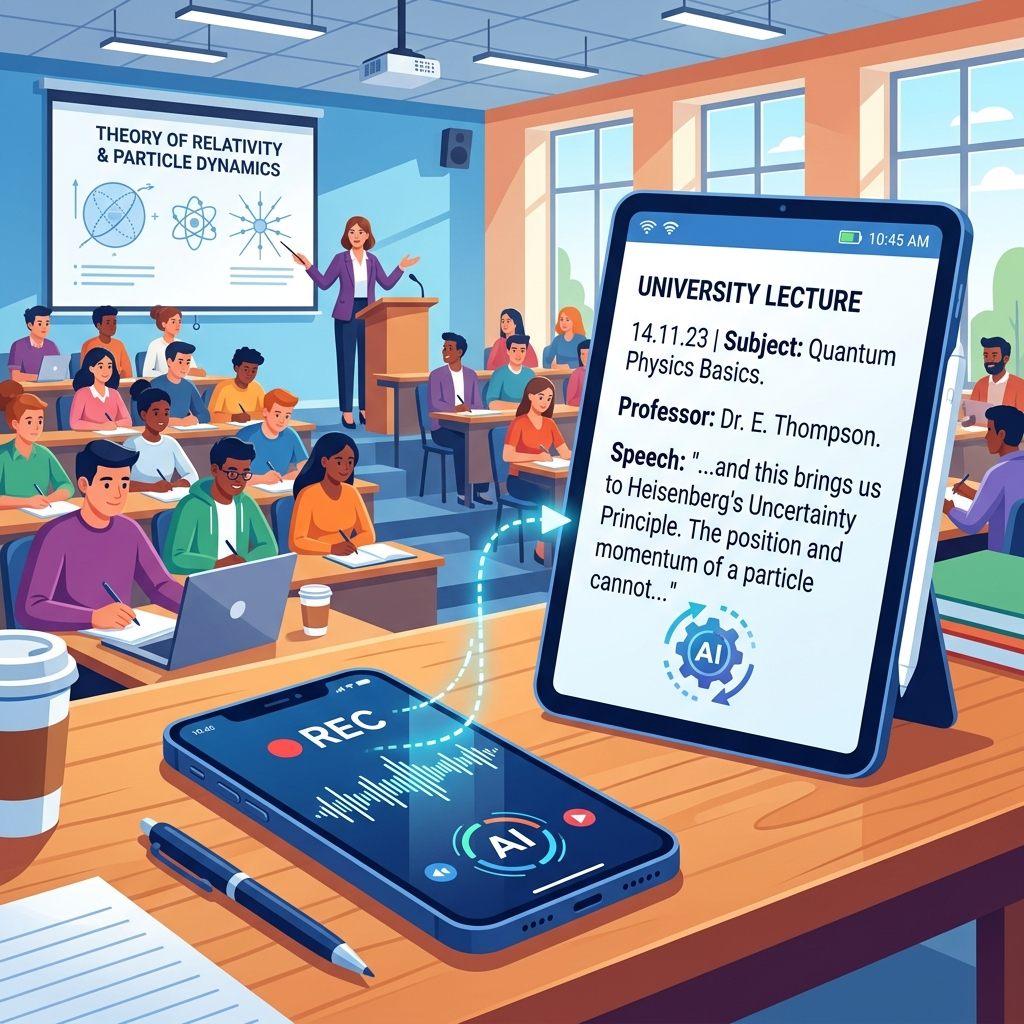
Manual notetaking has its traditional benefits for neural connection and memorization, but in long, intensive lectures (like Medicine or Engineering), relying solely on a pen becomes a huge risk. The average student writes about 20-30 words per minute, while a professor speaks at a rate of 120 to 150 words per minute. This vast difference means you lose more than 70% of the original lecture content if you rely only on your hand.
Benefits of Using Advanced Audio Transcription Apps:
- High-Intensity Listening: Instead of looking down at the paper and worrying about missed words, you can now look at the professor, observe their body language, interact directly with the explanation, and ask deep questions that demonstrate your understanding.
- Term-Level Accuracy: Modern AI-powered technologies capture every word accurately, including complex technical terms and scientific acronyms that might be hard to spell in the moment.
- Instant Content Retrieval: Once audio is converted to text, your content becomes searchable (Ctrl + F). You no longer have to listen to a full hour to find the sentence the doctor said about the "exam topic"; you can find it in one second.
- Building Smart Summaries: You can take the transcribed text and put it into language models (like ChatGPT) to ask for a summary of the top 5 points the doctor mentioned, or to build a mind map based on the actual lecture content.
Convert your audio recordings to text now
Use our free and smart tools to save your time and academic effort.

🚀 How Does AI Work in Converting Audio to Text? (Deep Dive)
Behind the scenes, these tools use what is known as Automatic Speech Recognition (ASR). This technology doesn't just match sounds; it relies on massive language models trained on millions of hours of human conversations in various dialects, accents, and speeds.
For the Arabic language, the challenge has always been significant due to "phonetic similarity" and dialect differences between Riyadh, Jeddah, Cairo, and others. But the modern engines we use at Adawati have made stunning leaps in understanding Modern Standard Arabic (the language of university instruction) and even mixed terms (Arabic-English) with high clarity.
Factors Affecting Audio-to-Text Accuracy in the Classroom:
- Signal-to-Noise Ratio (SNR): The closer the recording device is to the professor and the farther from AC noise or background student whispers, the significantly higher the accuracy.
- Clarity and Speed of Pronunciation: Professors who speak with a steady, clear tone make the AI's job of separating words much easier.
- Microphone Quality: The microphone quality in modern smartphones is excellent, but it is always preferable to point the microphone toward the sound source.
📝 Practical Steps to Achieve the Best Academic Transcription Results
To get an accurate, organized, and clean text at universities like King Saud University or King Abdulaziz University, follow these professional tips:
- Strategic Location: Always try to sit in the first three rows. This not only improves your attention but also ensures a very pure audio recording for the digital engine.
- Use the "Noise Cancellation" Feature: If your phone supports this feature when recording, enable it immediately.
- Periodic Review: Don't let transcribed texts pile up. Review the text right after the lecture ends while you still remember the context; correct any proper nouns or numbers that might have been garbled due to an echo.
📊 The Academic Impact: Investing Time in "Vision 2030"
Recent educational statistics indicate that students who adopt automated transcription tools save an average of 12-15 hours per week. Under the requirements of the Kingdom's Vision 2030, which calls for creativity, innovation, and volunteer work, this extra time makes a fundamental difference. Instead of spending your night writing down "what the doctor said," you can spend it "applying what the doctor said" and building real projects that elevate your value in the job market.
🛡️ Privacy and Security in Handling Your Lectures
At Adawati, we take your privacy seriously. The audio recordings you upload are processed with encrypted technologies, and we ensure the files are deleted immediately upon completion of the conversion process to guarantee the confidentiality of your study content and academic research.
🌟 Conclusion: Be the Smart Student in the Age of AI
Using technology is not an escape from effort; it is directing effort towards higher tasks. At Adawati, we are here to be your technical partner that turns boring obstacles into fast automated processes. Do not let pen and paper restrict the speed of your thinking. Try the audio-to-text tool today, and make your lectures work for you, not the other way around.