The AI Academic Tools Guide: Lecture Transcription, Text Extraction, and Document Analysis
How is Artificial Intelligence Revolutionizing Academic Productivity?
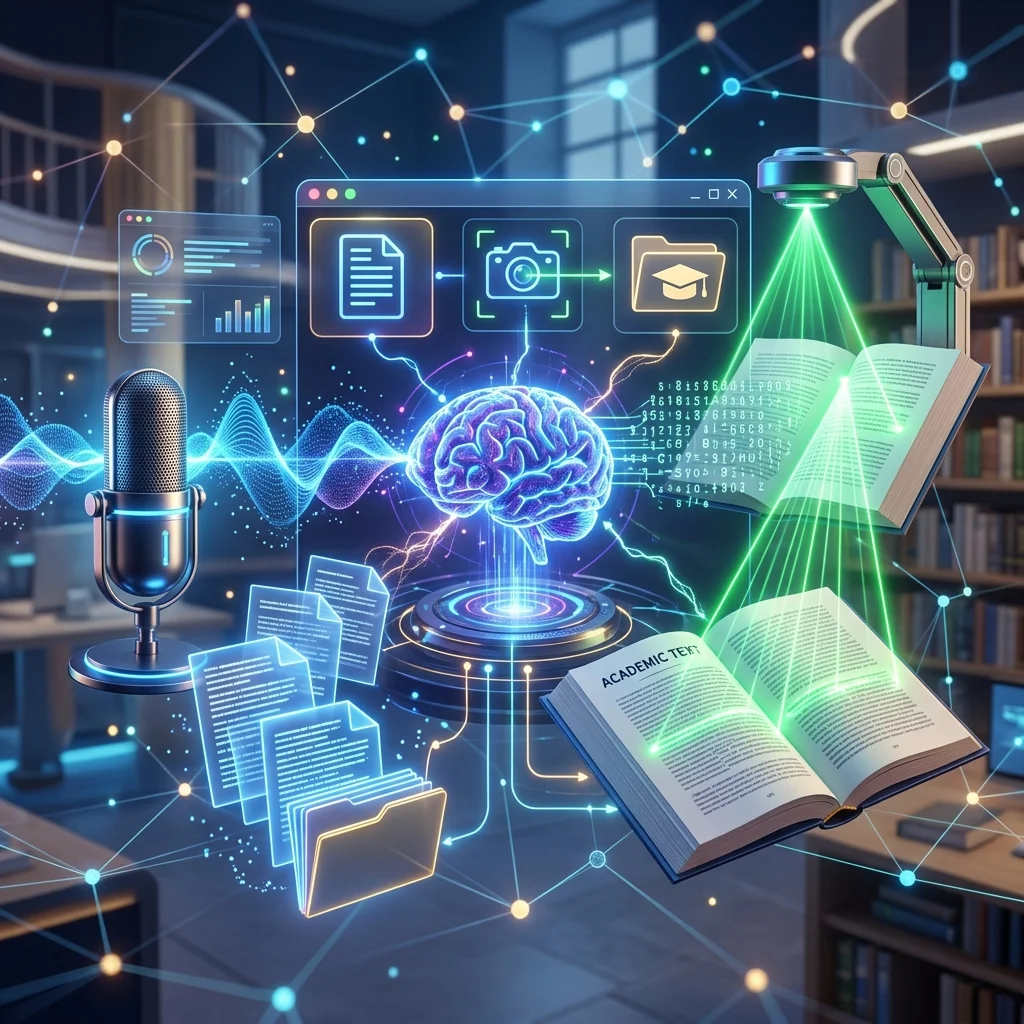
Artificial intelligence technologies are no longer confined to laboratories and tech companies. Today, students and researchers directly benefit from these technologies to accomplish their daily tasks in minutes instead of hours.
This guide reviews the most important AI tools available for free on the Adawati platform, with a detailed explanation of how each tool works and the best scenarios for using them in an academic environment.
Audio to Text: Transcribing Lectures with AI
How Does Smart Transcription Technology Work?
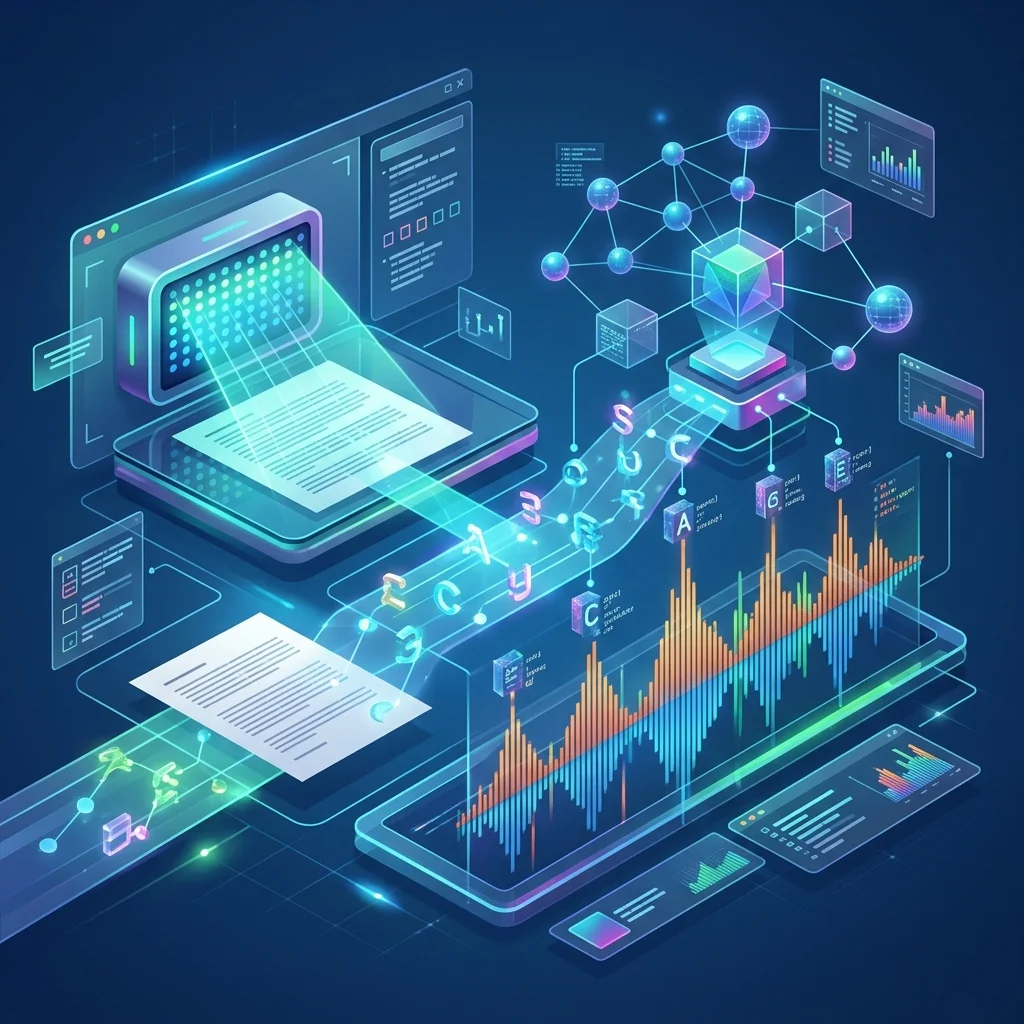
The Audio to Text tool on Adawati uses OpenAI's Whisper model, which is one of the most powerful automatic speech recognition models in the world. This model is distinguished by:
- Comprehensive support for the Arabic language — including Saudi, Egyptian, Levantine, and Maghrebi dialects.
- Noise tolerance — it works accurately even in crowded lecture environments.
- High accuracy — an accuracy rate exceeding 90% with clear recordings.
- Ultra-fast processing speed — transcribing a full hour in less than 5 minutes.
Prominent Academic Scenarios
1. Transcribing University Lectures
Instead of frantic typing during the lecture and losing focus on the explanation:
- Record the lecture with your phone.
- Upload the recording to the transcription tool after the lecture.
- Get a complete text that you can search and refer back to at any time.
2. Transcribing Research Interviews
In graduation projects and qualitative research, you usually need to transcribe dozens of interviews. What used to take weeks of manual work can now be accomplished in a few hours using AI.
3. Preparing Notes for Seminars and Symposiums
Record the symposium or panel discussion and transcribe it later to get comprehensive notes where you don't miss a single point.
Transcribe your first lecture for free with AI
Use our free and smart tools to save your time and academic effort.
Tips for Getting the Best Transcription Results
- Use a high-quality recorder — even a modern smartphone microphone works excellently.
- Minimize ambient noise as much as possible while recording.
- Place the recorder close to the speaker — the ideal distance is 1-3 meters.
- Speak clearly — a moderate speaking speed increases transcription accuracy.
- Review the transcribed text — no transcription system is 100% accurate; human review is essential.
Extracting Text from Images (OCR): Digitizing Books and Notes
What is OCR Technology and Why Does it Matter to Students?
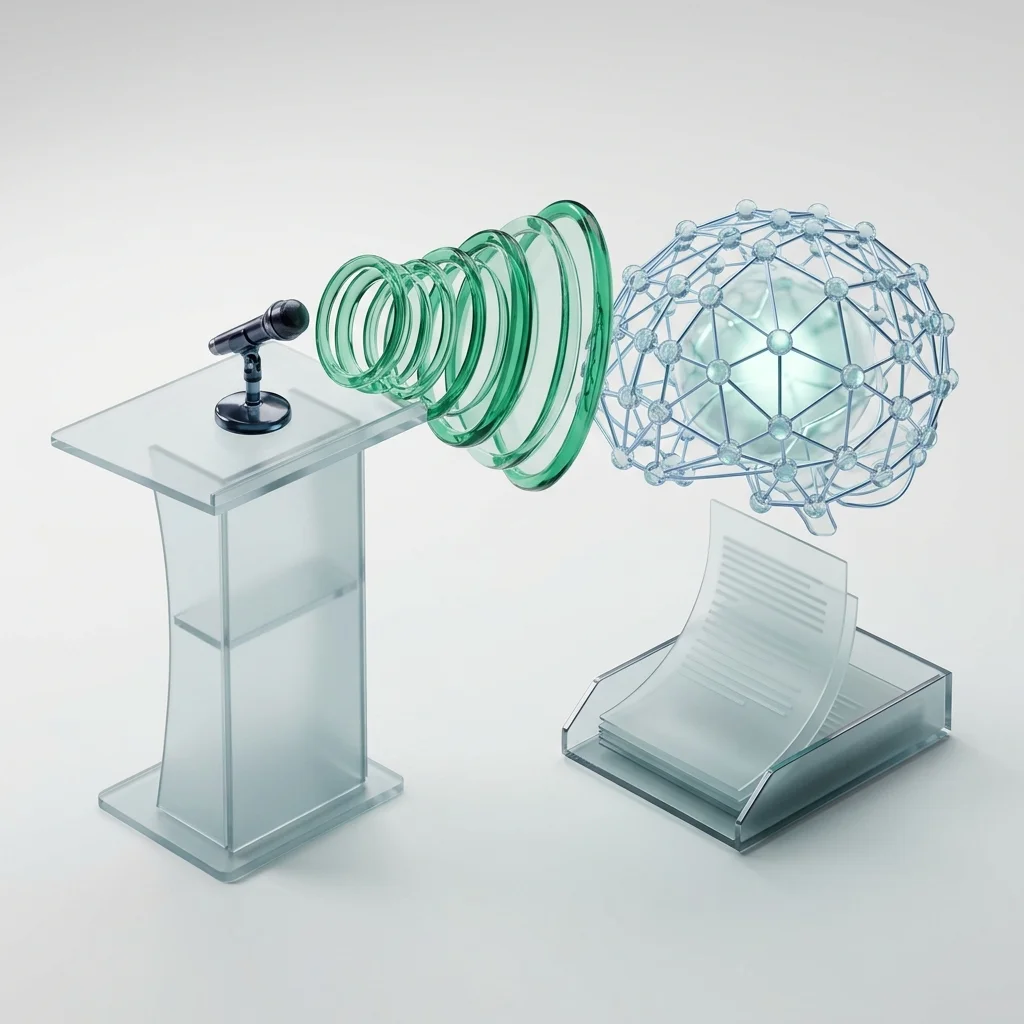
OCR (Optical Character Recognition) is an AI technology that converts images containing text into editable, searchable, and copyable digital text. Adawati uses the EasyOCR engine, which is optimized for the Arabic language.
When to Use OCR in Your Academic Life?
- Converting printed book pages into text you can search and quote from.
- Digitizing handwritten notes after photographing them with your phone.
- Extracting text from PowerPoint slides or captured lecture images.
- Copying text from screenshots of articles or references that are copy-protected.
- Converting old paper documents into digital copies.
OCR Challenges with the Arabic Language and How We Address Them
The Arabic language presents a special challenge for OCR systems due to:
- Connected letters — Arabic letters change shape depending on their position in the word.
- RTL writing direction — from right to left, unlike most languages.
- Diacritics and dots — small marks that are difficult to distinguish in low-quality images.
The OCR engine on Adawati is specifically trained on these challenges and provides excellent results with printed Arabic text. For handwritten text, accuracy varies depending on handwriting clarity.
Try extracting text from images with AI
Use our free and smart tools to save your time and academic effort.
Converting Images to PDF: Digitizing Assignments and Paper Documents
Practical Academic Uses
- Digitizing handwritten assignments — photograph each page then convert them into a single organized PDF.
- Creating a professional file from a collection of scanned documents.
- Converting paper certificates and permits into digital copies for electronic submission.
- Creating a reference file from images of pages of a borrowed book.
Tips for the Best Quality
- Use even lighting — avoid shadows and reflections on the paper.
- Shoot from a vertical angle — place the camera directly above the page.
- Ensure text clarity — get close enough for the letters to be clear.
- Arrange the images in the correct sequence before uploading them to the conversion tool.
Comparison: Manual Transcription vs. AI Transcription
| Criterion | Manual Transcription | Transcription with Adawati (AI) | |---|---|---| | Time | 3-5 hours per hour of recording | Less than 5 minutes | | Accuracy | Very high (human) | 90%+ (requires review) | | Cost | Free but costly in time | Completely free | | Exhaustion | Very high | None | | Searchability | Yes (if typed digitally) | Yes (instant digital text) |
Best Practices for Using Academic AI Tools
1. Treat Outputs as a First Draft
AI outputs — whether audio transcription or OCR — are not perfect. Always review the resulting text and correct errors before using it in your research or assignments.
2. Maintain Data Privacy
When using any online AI tool, check the platform's privacy policy. On Adawati, all files are automatically deleted within 60 minutes and no copies are retained.
3. Use Tools Ethically
Transcription and OCR tools are productivity aids, not cheating tools. Use them to organize your notes and digitize your references, not to bypass the required academic work.
Frequently Asked Questions About Academic AI Tools
Is transcribing lectures with AI academically permitted?
Yes. Recording and transcribing lectures for personal review purposes is permitted in most universities. Check your university's policy regarding lecture recording, and in all cases, respect the privacy of professors and colleagues.
What audio formats are supported in the transcription tool?
The transcription tool on Adawati supports the most popular audio file formats, including MP3, WAV, M4A, OGG, and FLAC. You can upload recordings directly from your phone or any digital recorder.
Does the OCR tool work with handwritten text?
The OCR tool works excellently with printed text in Arabic and English. As for handwritten text, its accuracy depends on handwriting clarity — clear, organized handwriting yields good results, while messy handwriting may require more extensive review.
Is my data secure when using these tools?
Yes. On Adawati, all uploaded files are automatically deleted within 60 minutes of processing completion. We do not keep any backup copies, and there is no human intervention in the processing. All transfers are encrypted using HTTPS/TLS.
Conclusion: Save Hundreds of Hours with Free AI Tools
Academic AI tools are not a luxury — they are a necessity for the modern student who wants to efficiently handle a massive volume of academic content. With Adawati, you can transcribe lectures, extract text, and digitize assignments completely for free and with total privacy.
Start today by trying one tool — and you will discover how much time and effort you were wasting daily.
Start Now: Try transcribing a lecture for free
Use our free and smart tools to save your time and academic effort.